Launcher
Cleaner Home Screen
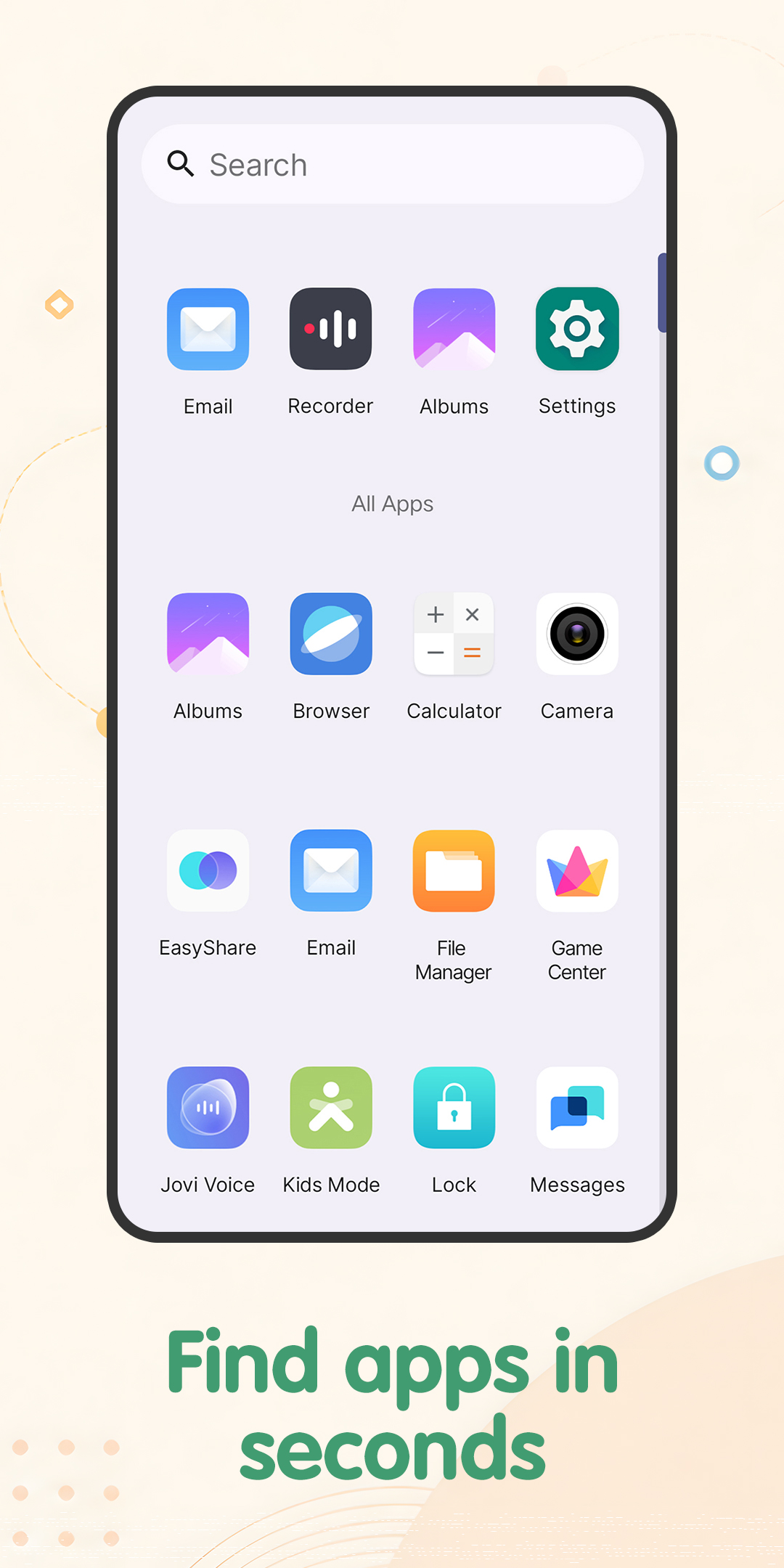
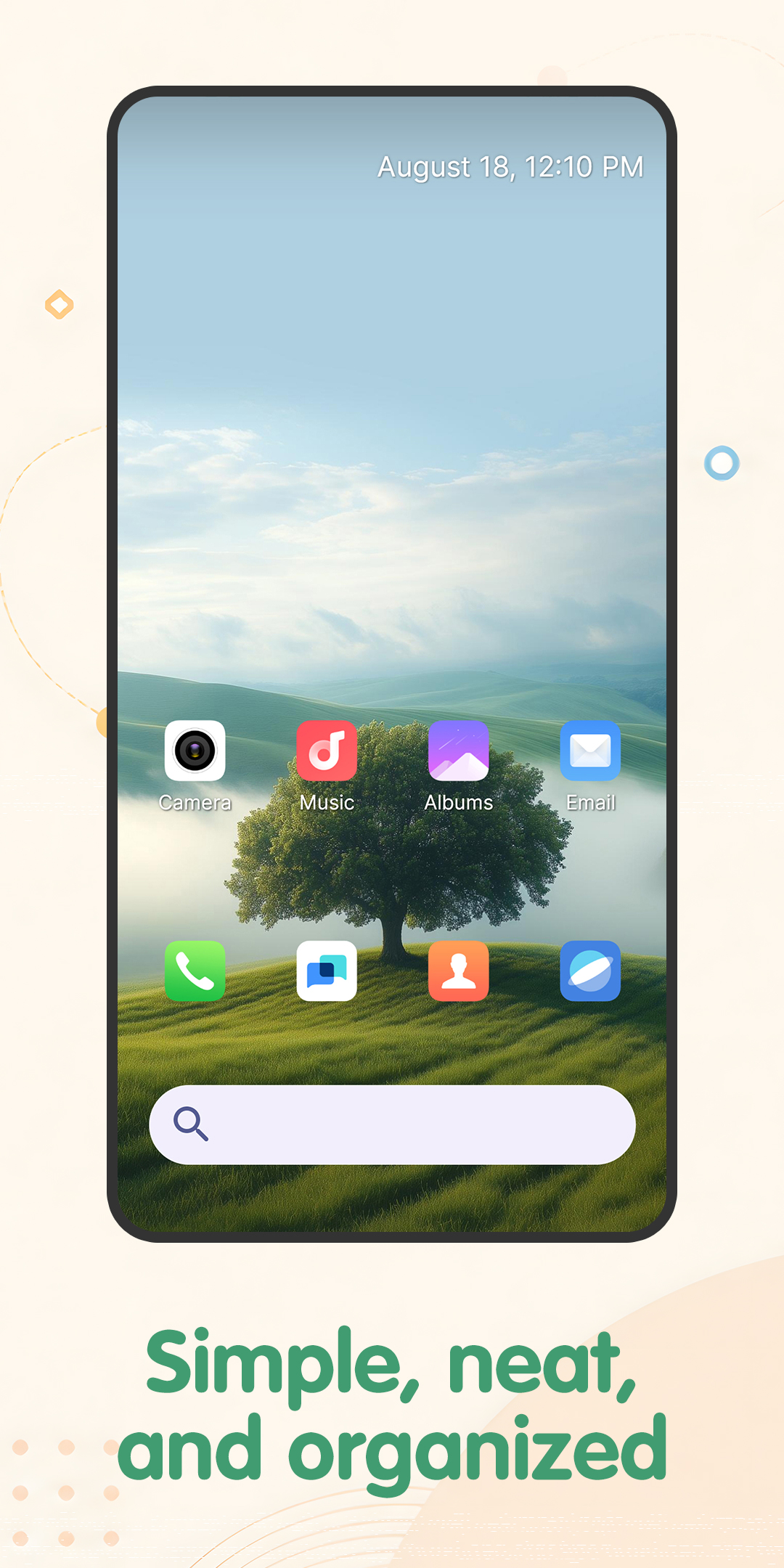
Icon shape options, theme colors, app drawer access, and quick app search help players keep their phone simple and easier to manage.
Casual puzzle launcher
A calm home screen launcher with built-in arrow path puzzles. Keep your phone organized, then take a short break with logic boards designed around observation, planning, and simple controls.

Product theme
Find the Path: Arrow Clues helps make the phone feel cleaner and easier to use, while giving players a relaxed way to solve arrow-based pathfinding puzzles.
Launcher
Icon shape options, theme colors, app drawer access, and quick app search help players keep their phone simple and easier to manage.
Puzzle
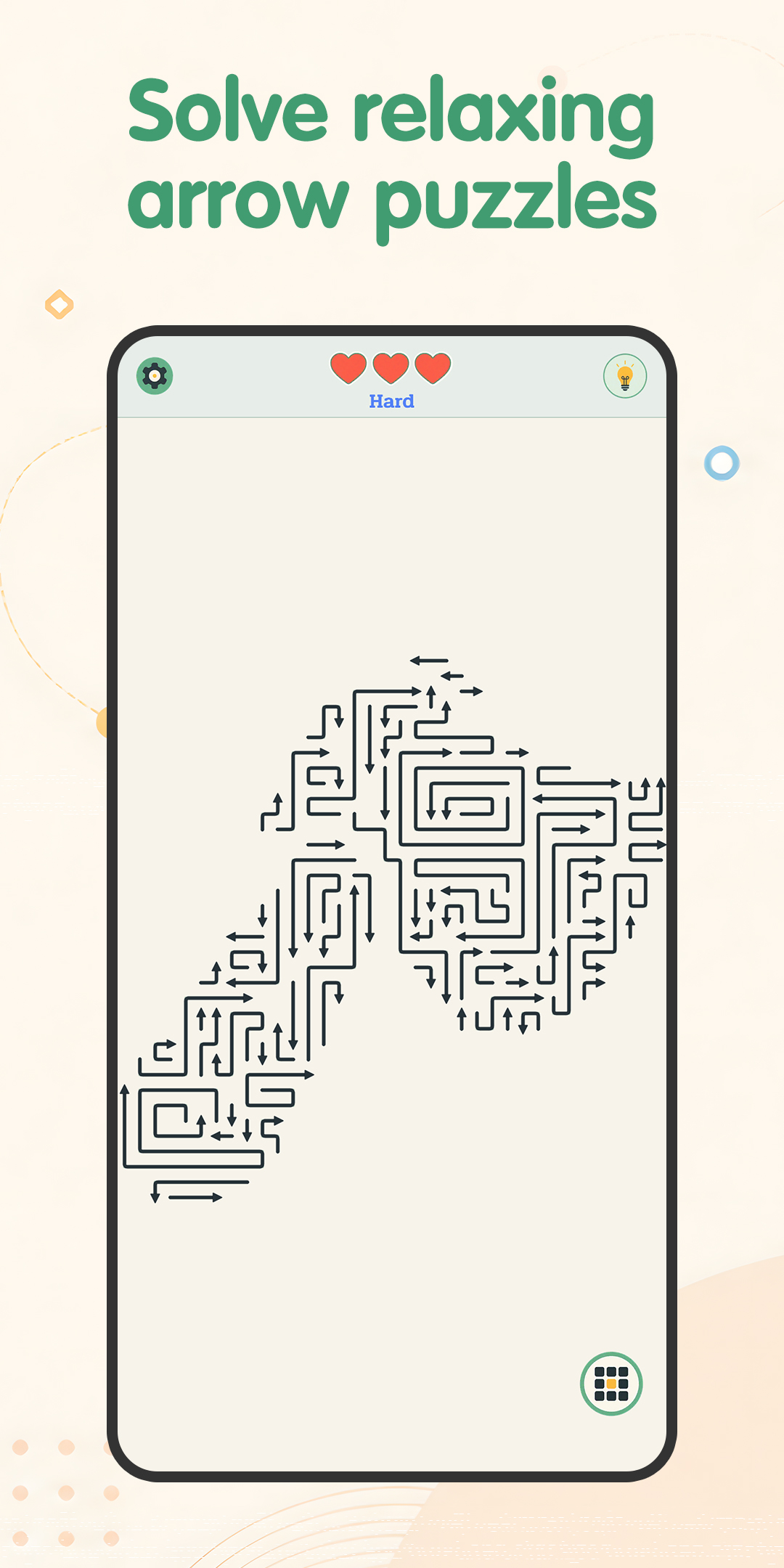
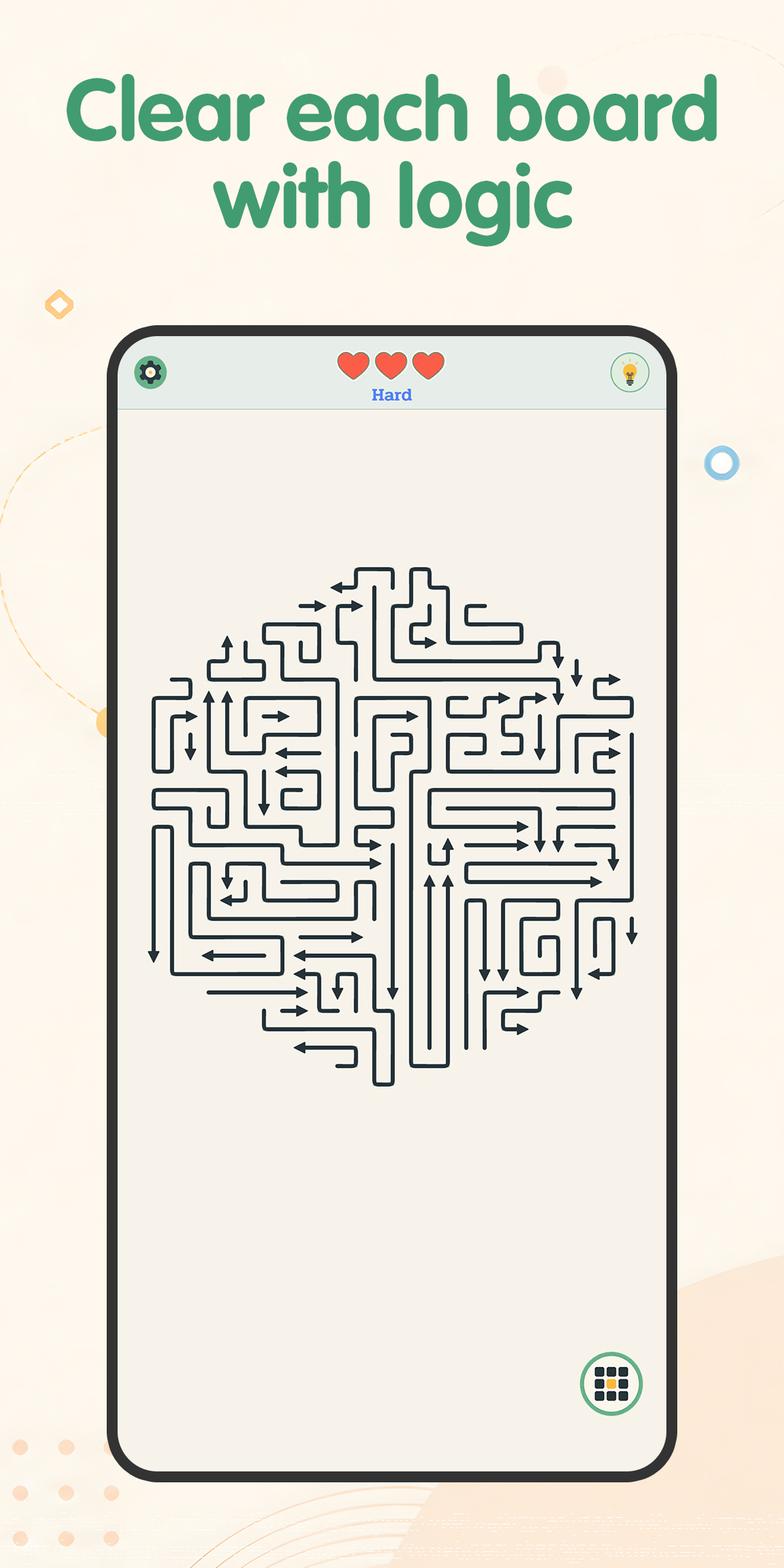
Each level gives players a board and directional clues. The goal is to observe carefully, think step by step, and find the correct path.
Relaxed play
The experience focuses on quiet logic solving, light mental activity, and clear controls instead of fast reactions or complicated inputs.
Gameplay preview
How it works
You can open the app and play puzzle mode without changing your default home screen. To use launcher features such as app drawer, icon customization, theme colors, and quick app search, set it as your default home screen app.
Player promise
The app only changes the appearance and organization of your home screen when launcher features are enabled. You can switch back to your previous launcher through Android settings at any time.
FAQ
It is a home screen launcher that also includes a built-in logic puzzle game. It helps keep your phone easier to organize while giving you a calm way to enjoy arrow-based path puzzles.
No. You can open the app and access puzzle mode without changing your default home screen. Launcher features require setting it as your default home screen app.
All installed apps can be viewed in the app drawer, and quick search helps you find a specific app faster.
Each level gives you a board and directional hints. Study the layout, follow clues carefully, and find the correct path step by step.
Open Android settings, look for Apps, Default Apps, or Home App, then select your previous launcher. Menu names may vary by device.
If uninstall is blocked, the app is likely still set as the active home screen. Switch to another launcher first, then uninstall again.
No. It only changes the appearance and organization of your home screen when launcher features are enabled.
For launcher questions, include your device model and Android version. For puzzle questions, include a short description of the level or behavior you are seeing.